


One house. On the Pro Plan you open as many as you work on, and nothing is deducted when you do.

For facade contractors and exterior designers
Every house you work on, unlocked.
Not one building at a time. The Pro Plan opens designs, estimates and albums on every building in your account, for $39.00 a month.
What it looks like in the app
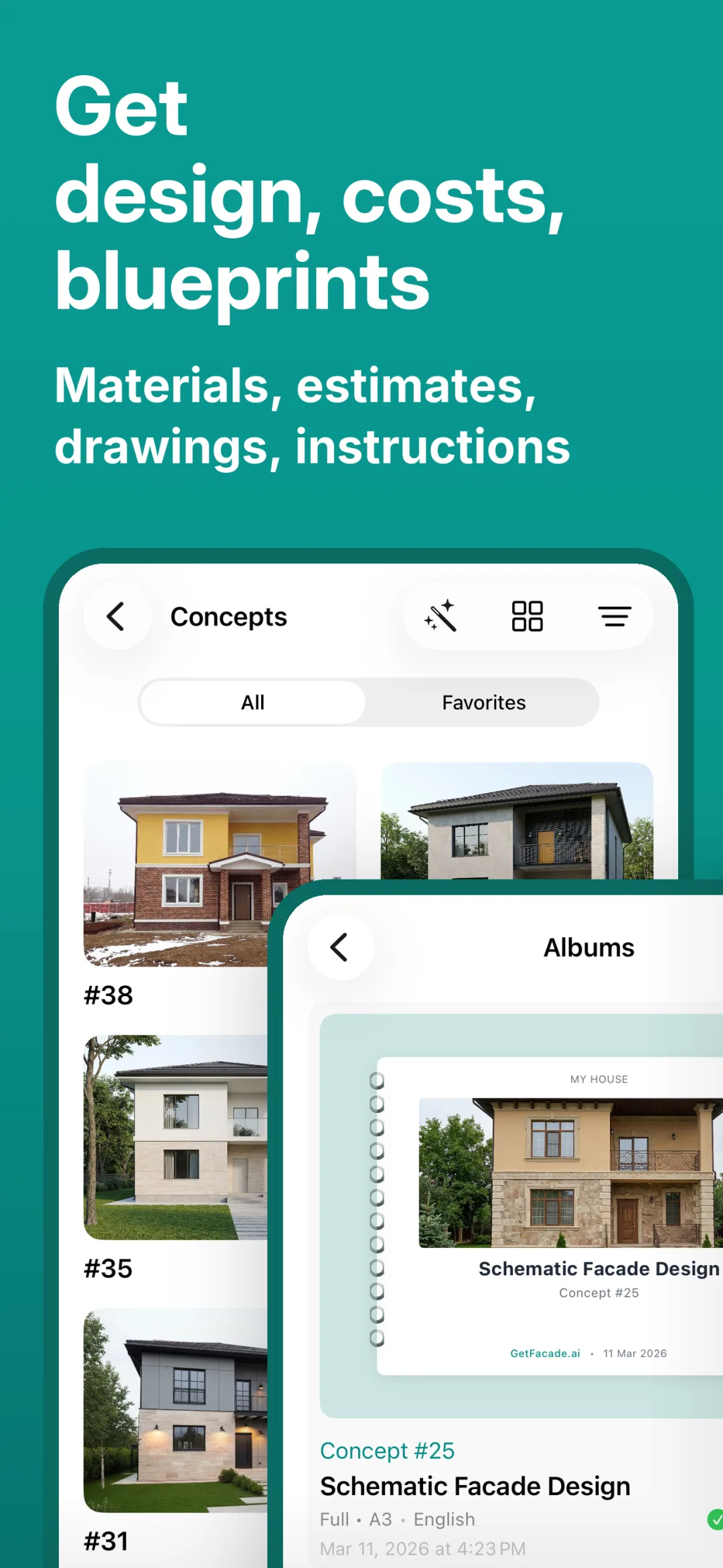
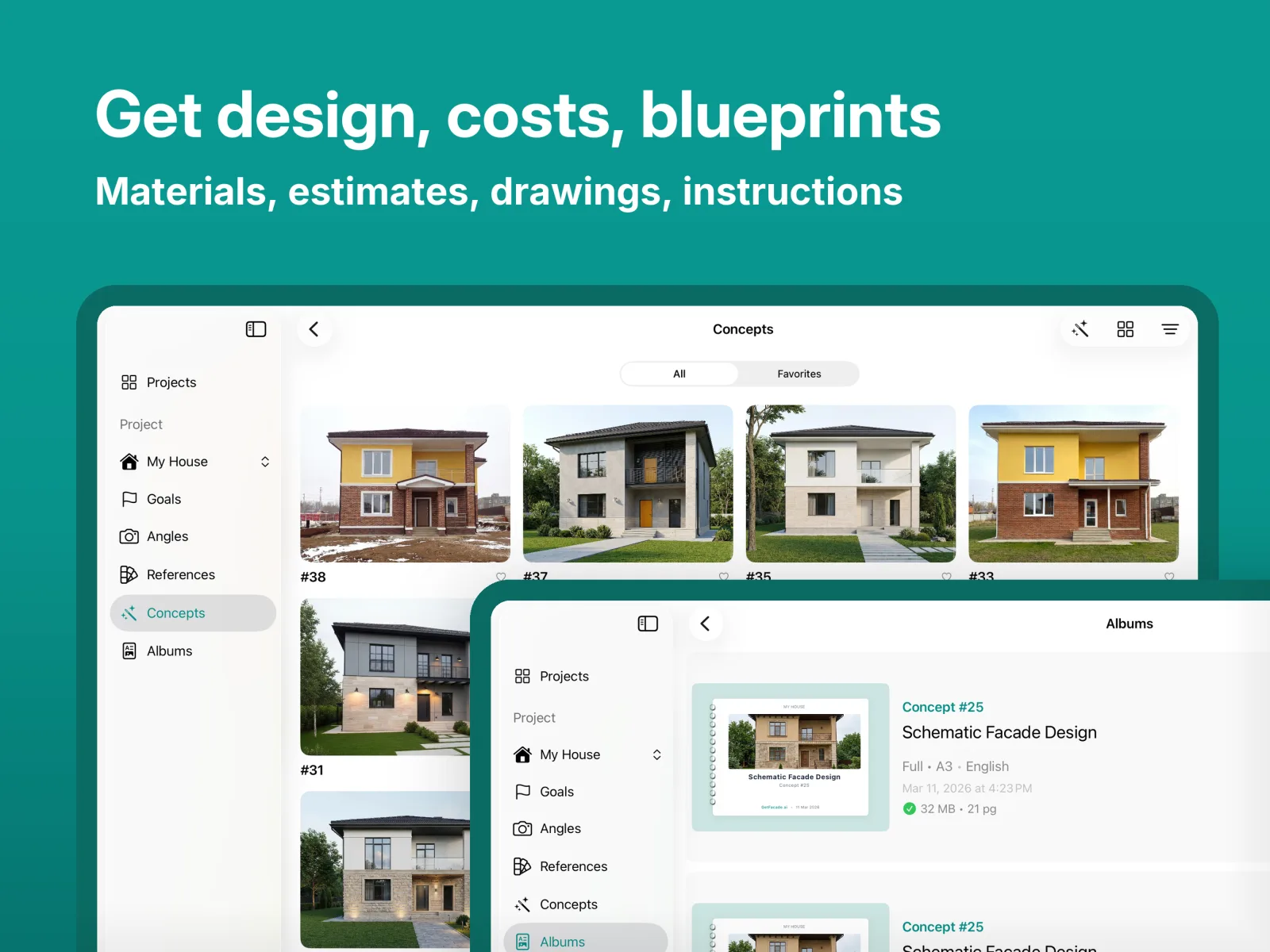
A few angles of your house go in. Design directions come back, you refine them in plain words, and the run ends with a costed estimate and a blueprint album.


Generation is sped up in this video, and one run can’t show every setting in the app.
Close on the first visit.
Photograph the house from the driveway, set materials and colors at the kitchen table, and send the estimate and the album before you are back in the truck.
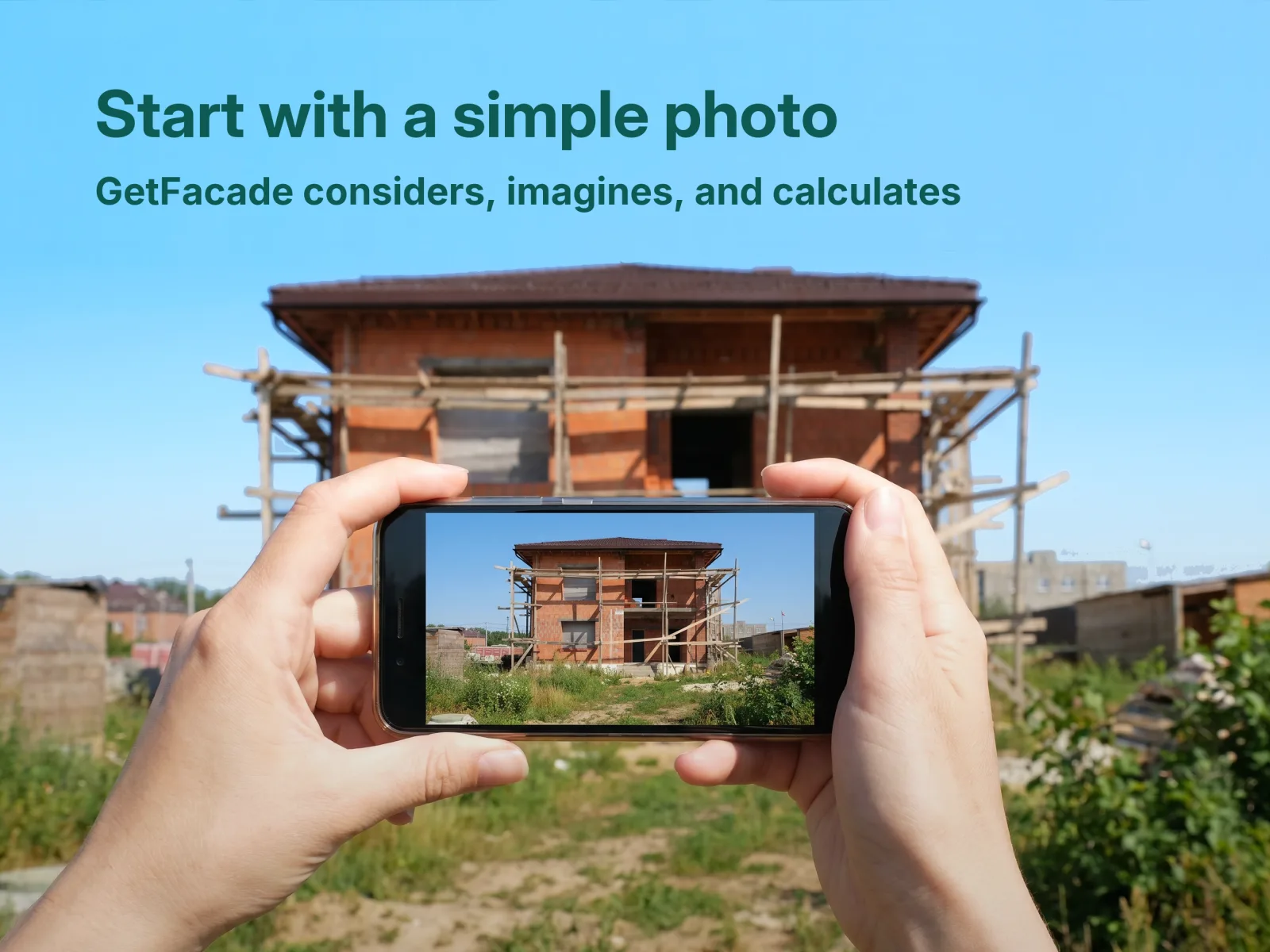
Shoot the house
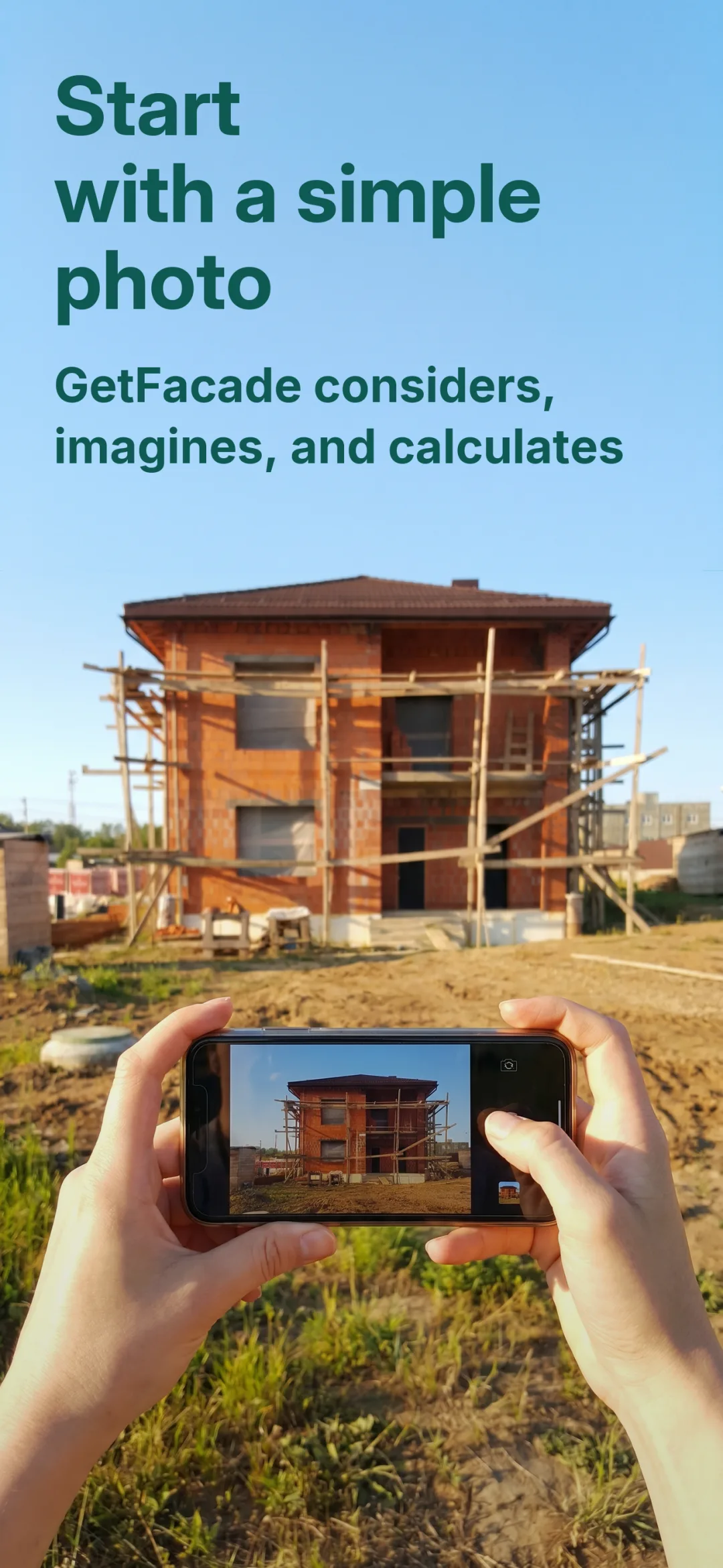
One photo per side, from the phone in your pocket. Every side of the house stays on the same building in your account.
Decide together
Swap siding, trim and colors from real manufacturer lines while the client watches.
Leave with a document
The album and the estimate go out the same visit, while the client is still sold on what they just saw.
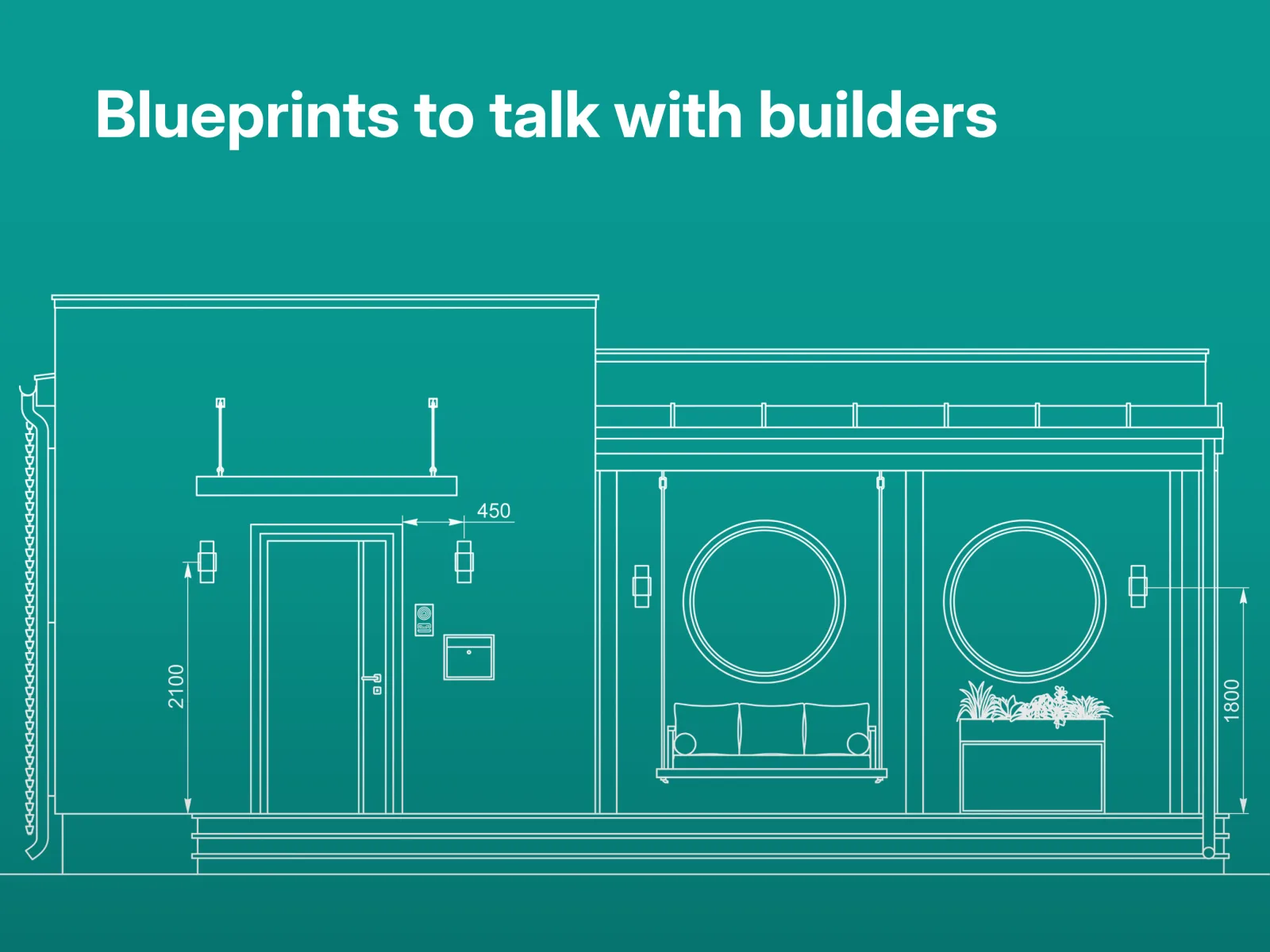
From a photo to blueprints
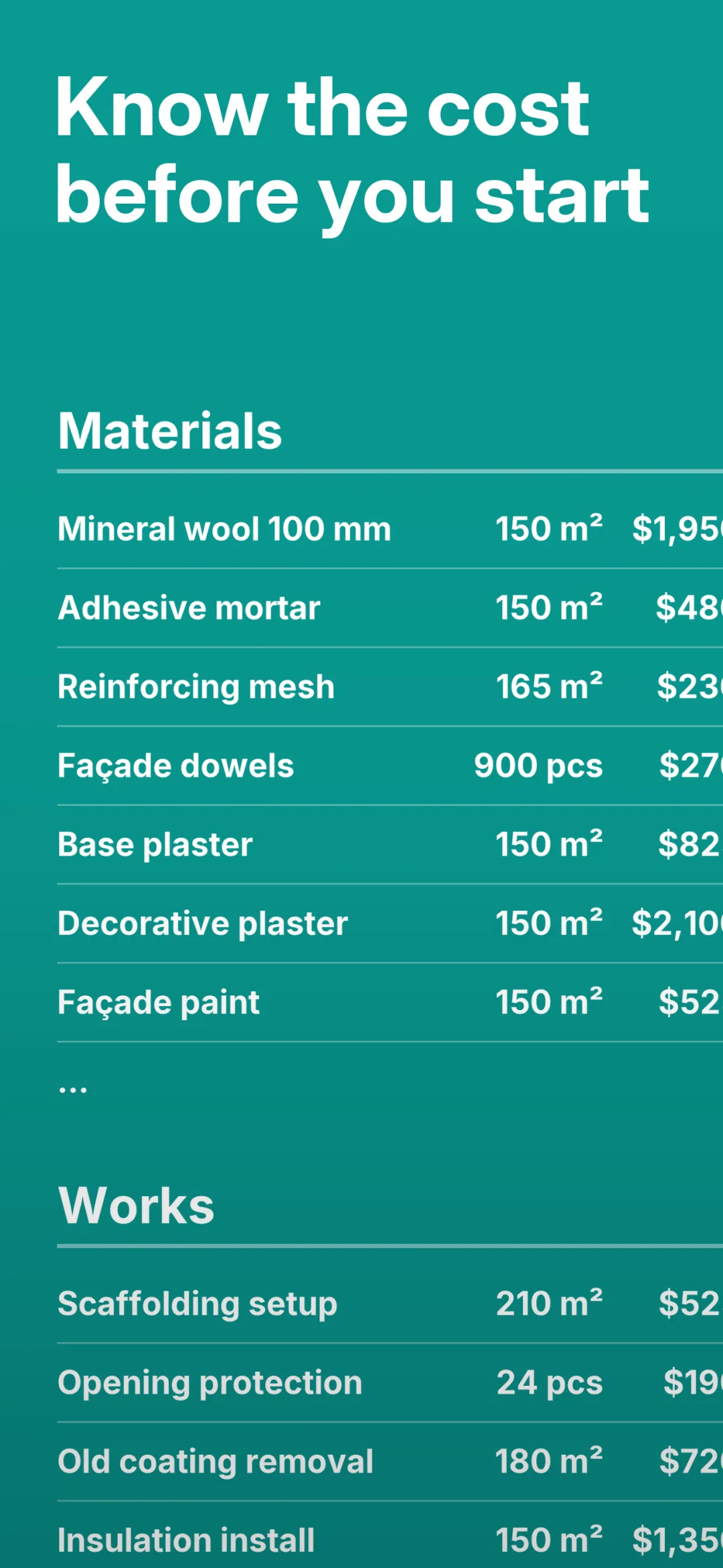
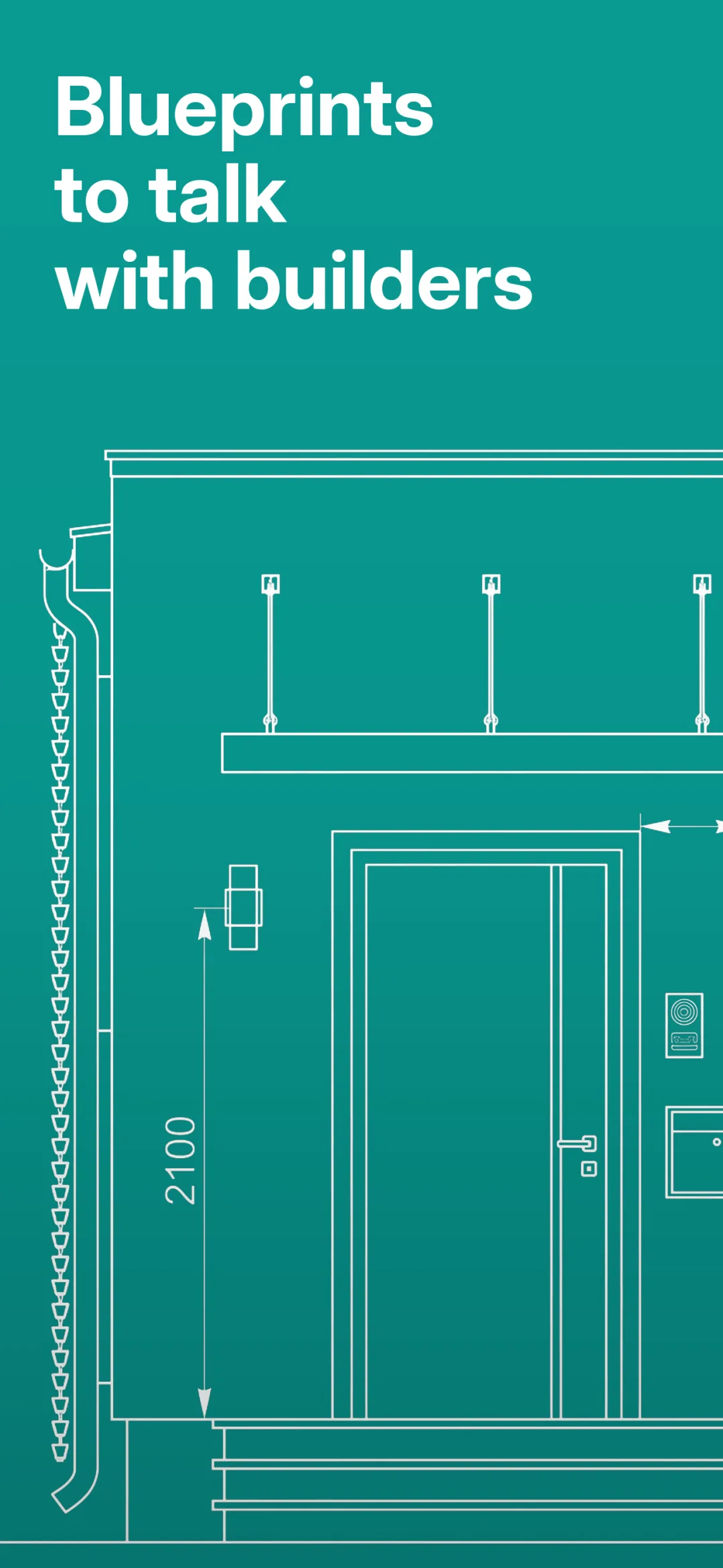
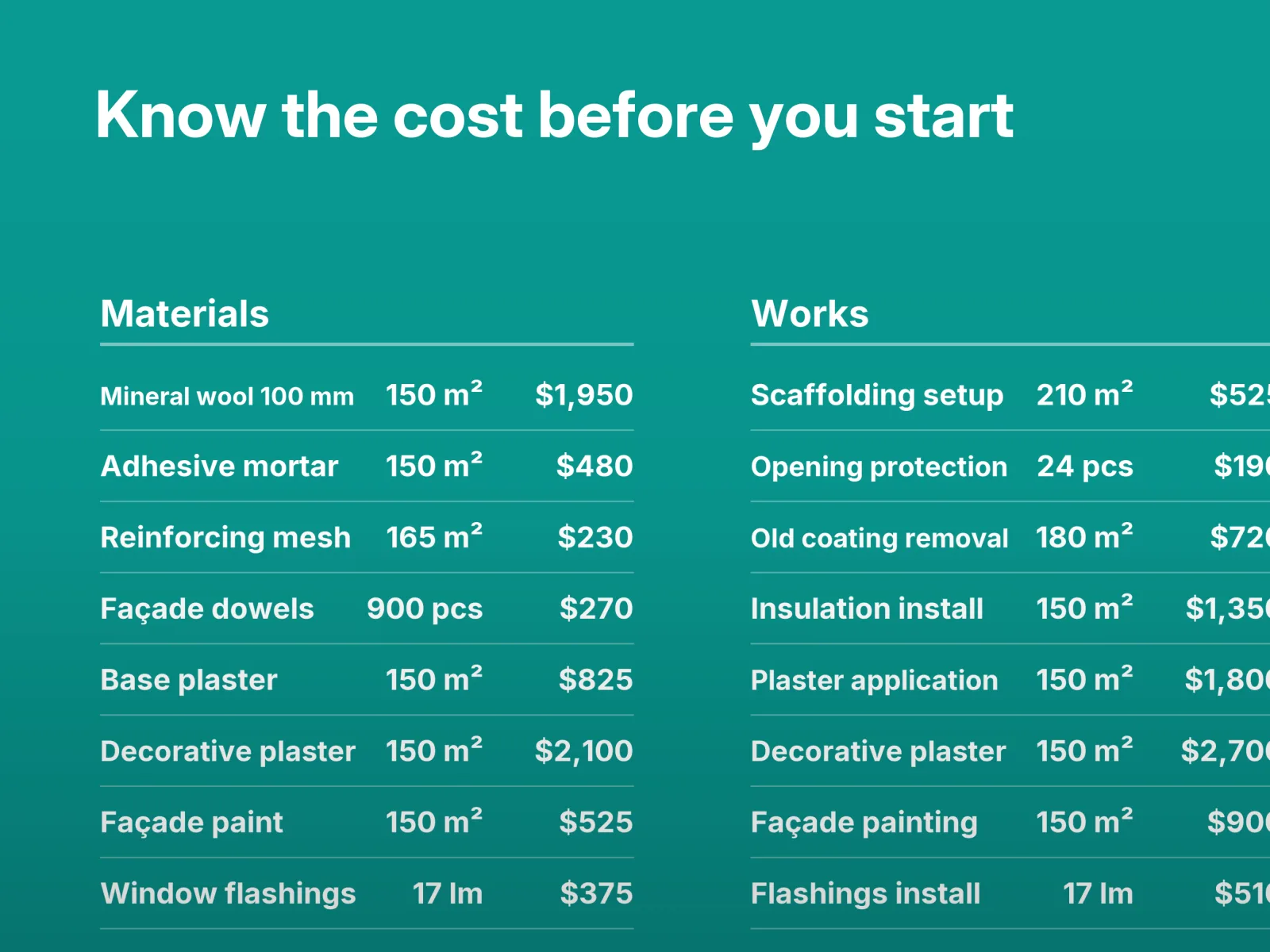
Upload your photos and documents, pick a direction you like, and refine the details. The app then puts together a materials and labor estimate and an album of blueprints.
Make it exactly your house
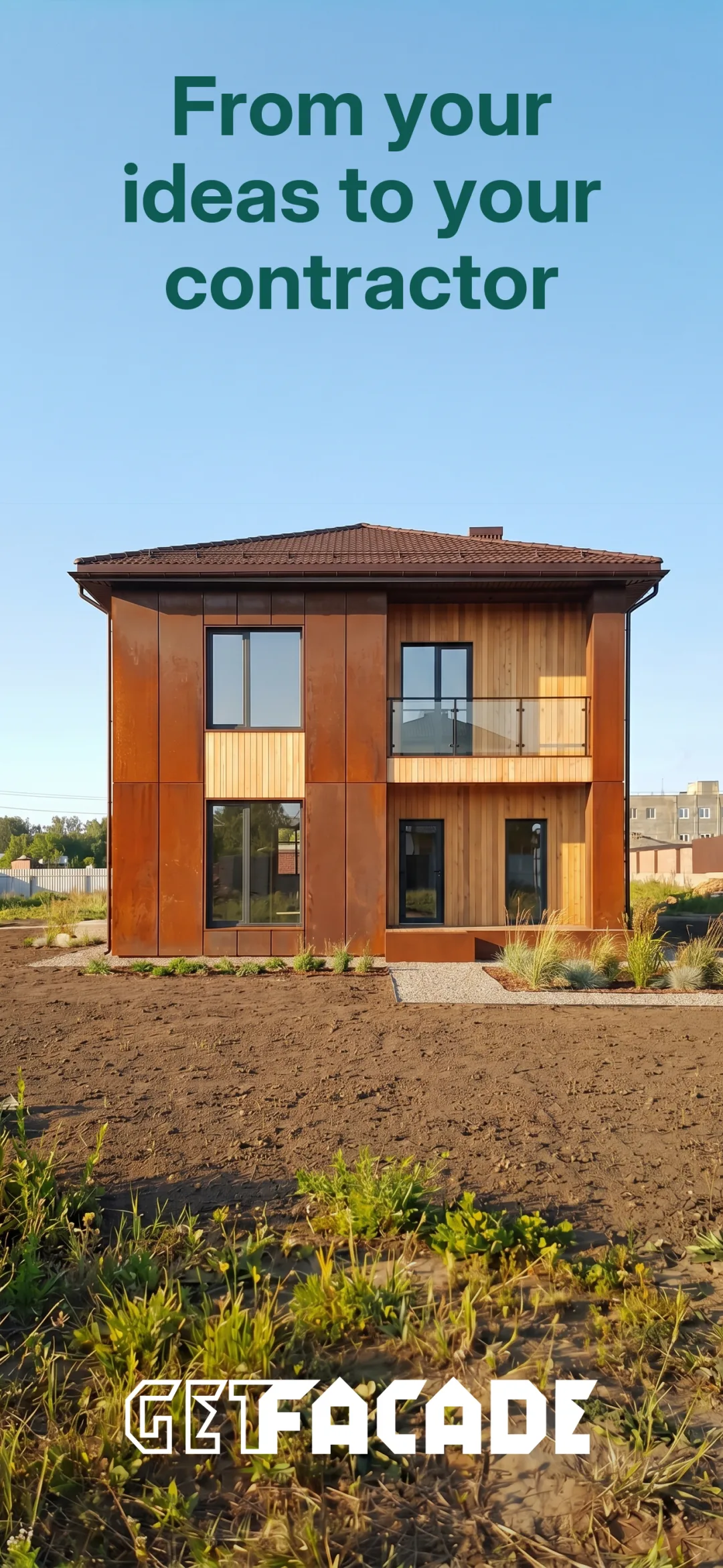
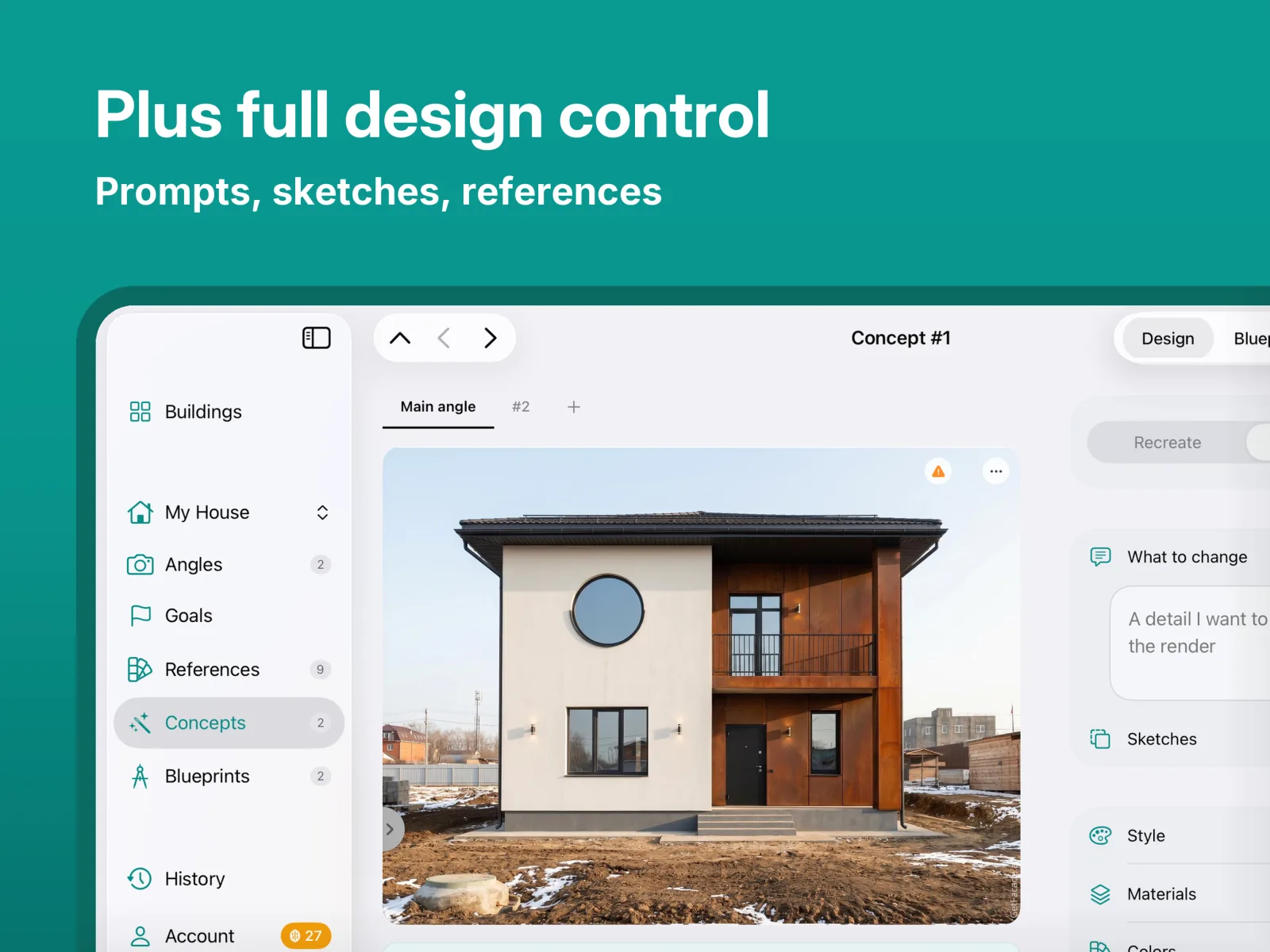
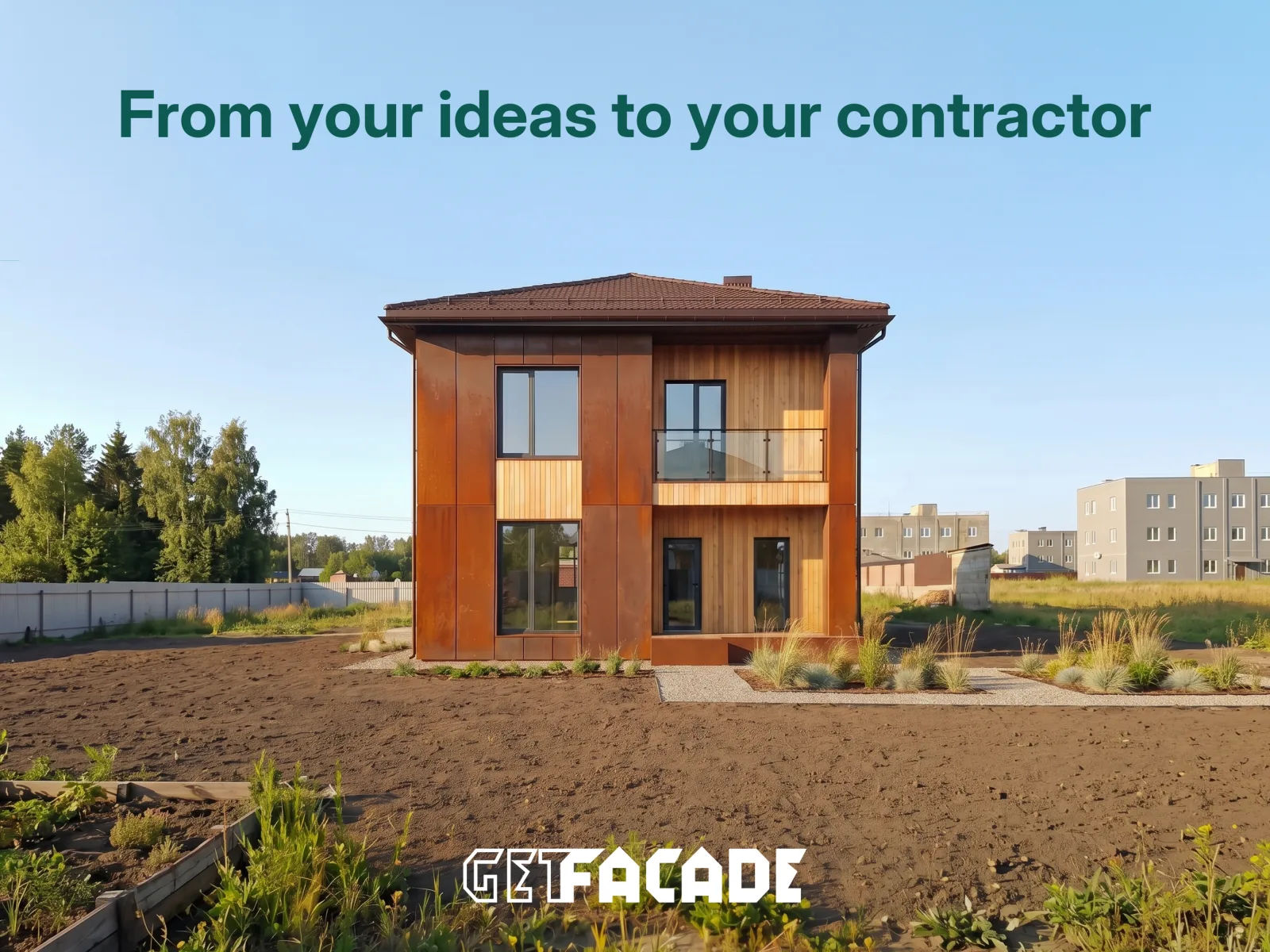
You don’t have to take the first design. Change the look, the colors and the materials, detail by detail, until it’s the house you want to build.
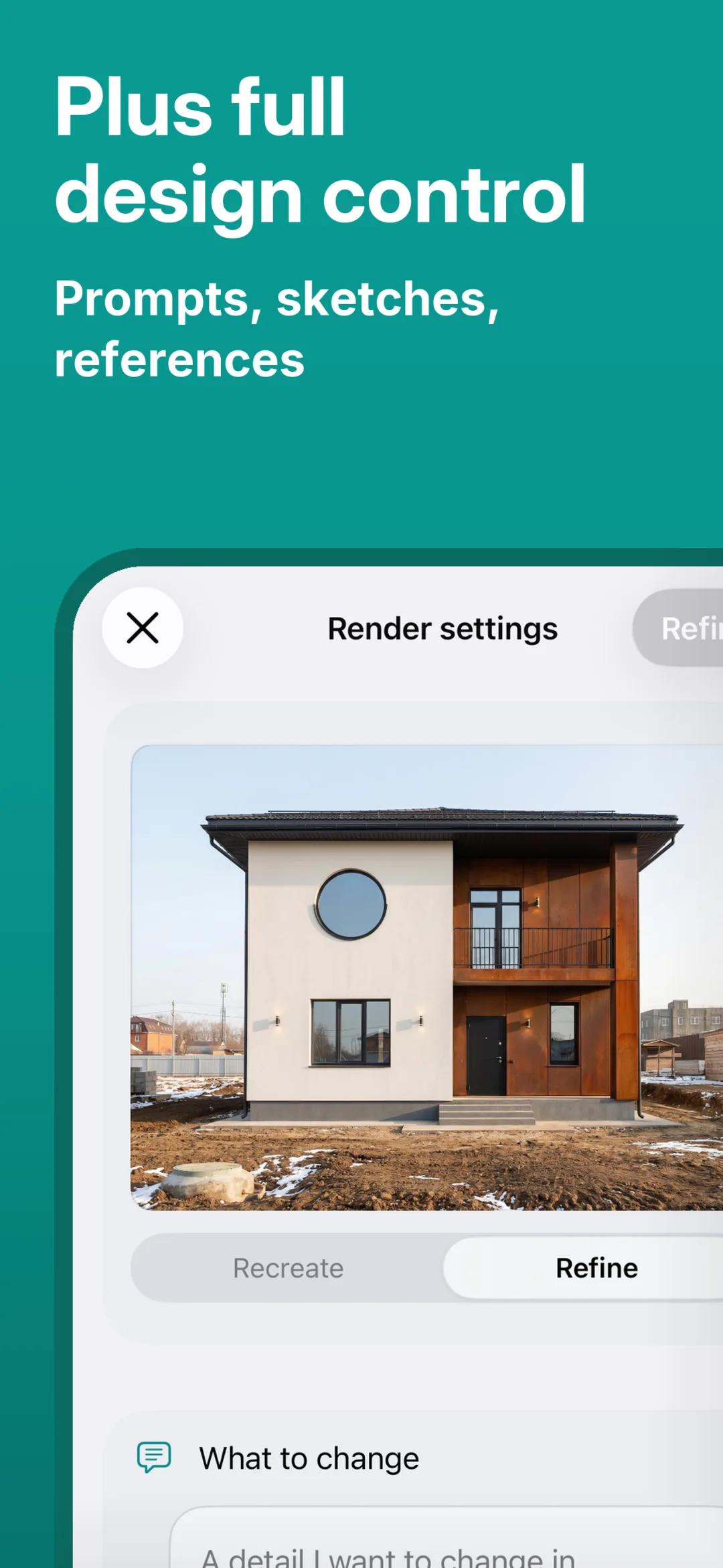
Generate again, or refine to the detail
Like the direction but not quite the result? Generate a fresh set of designs from the same brief, or open one design and refine it detail by detail.
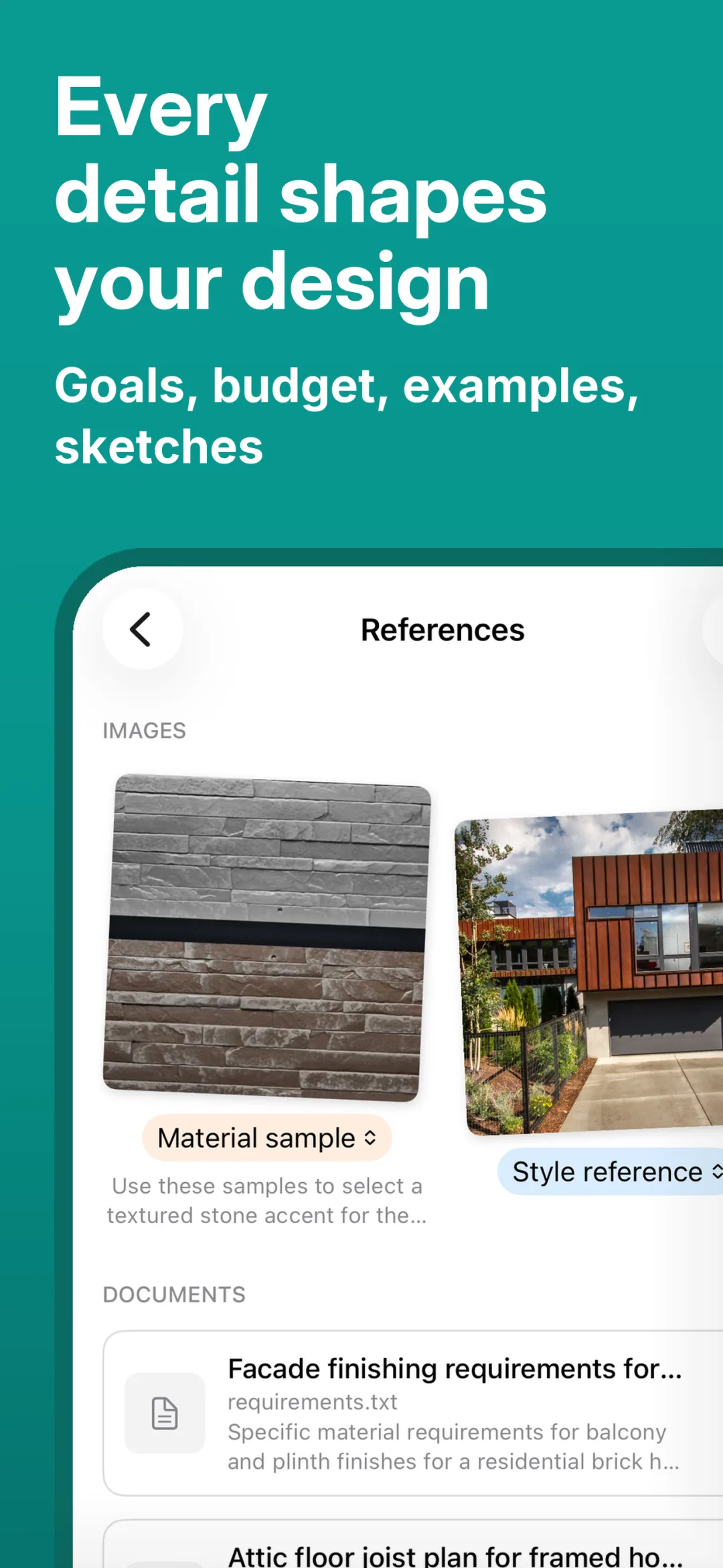
Borrow a look you love
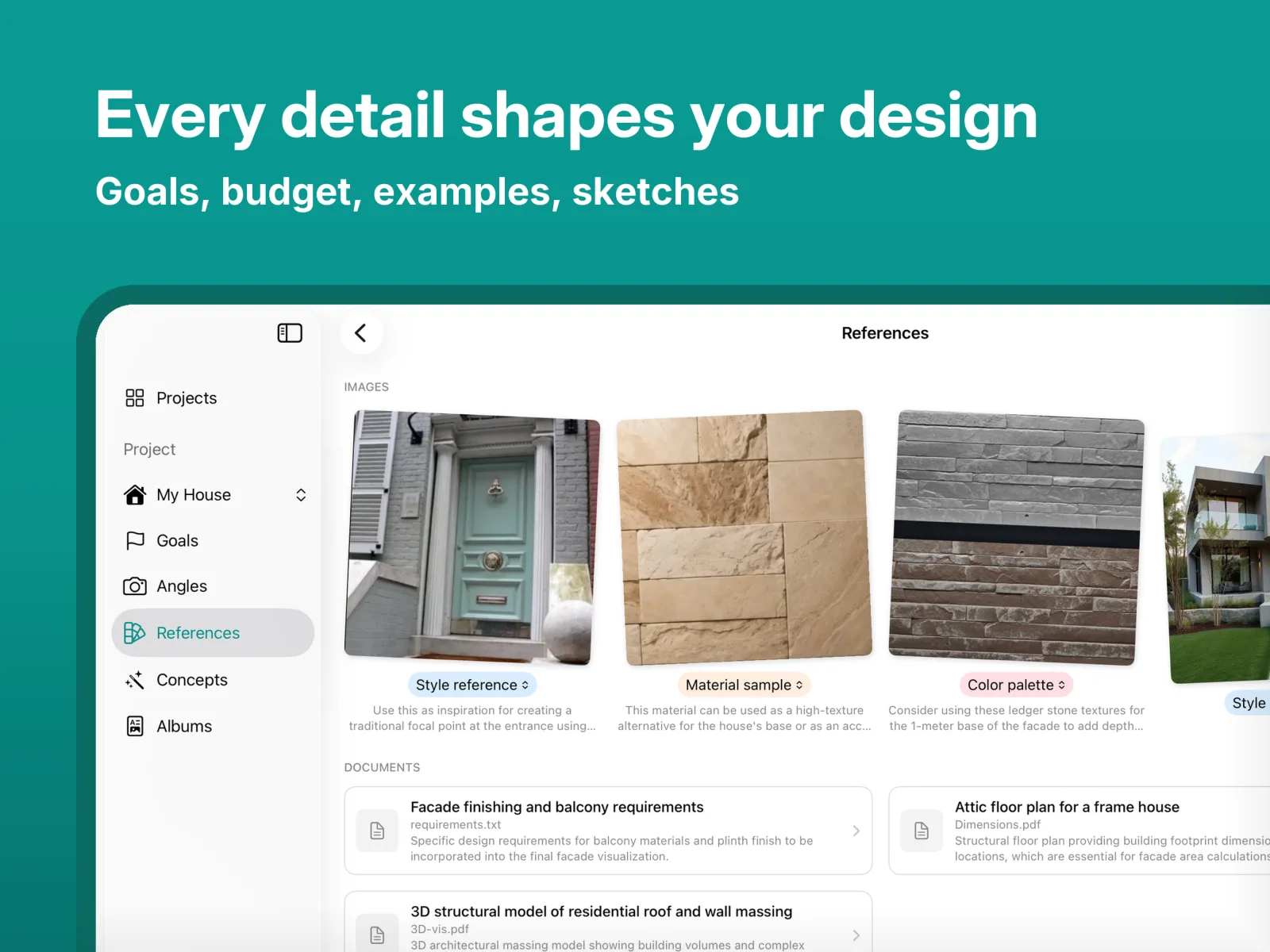
Spotted a facade you like down the street or saved on Pinterest? Upload the photo and your house takes on its style, colors, and materials.
Sketch your idea by hand
Mark where a new porch, dormer, or bigger window should go, even with a rough finger sketch on your phone, and watch the sketch turn into a realistic design.
Settle the color question
Try colors for walls, trim, and accents from manufacturer fandecks or your own shades. The shade you pick keeps its name and product code, so you can take it straight to a dealer.
See your house in any style
Modern, traditional, craftsman, contemporary: compare the same house in different styles side by side until one feels like home.
Just say what you want to try
Describe a change in plain words, like “add stone to the base, lose the shutters.” Not sure where to start? The app suggests a few moves for your house.
Idea sketches or photographic precision
While you’re still thinking, look at the design as a hand-drawn sketch: fewer details, and the idea stays clear. Once you’ve decided, sharpen it into a photoreal render.
Real homes from 120+ countries
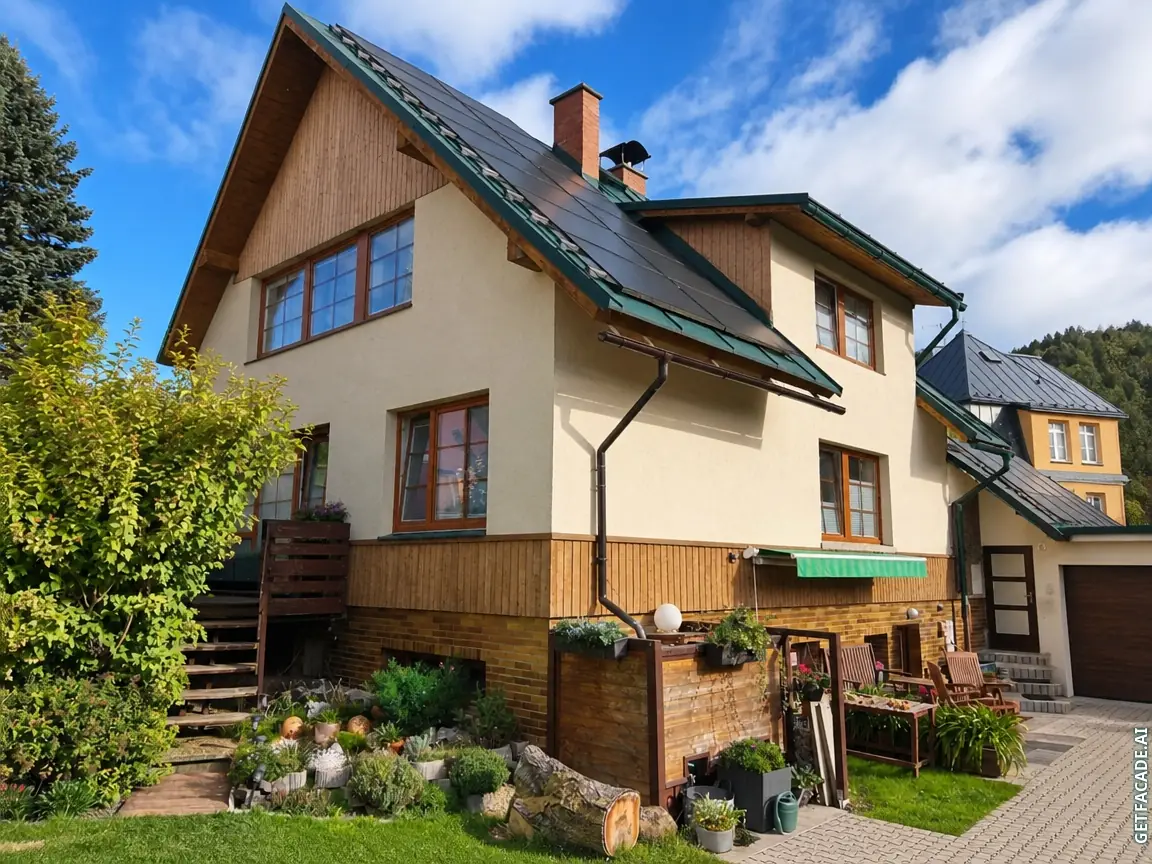
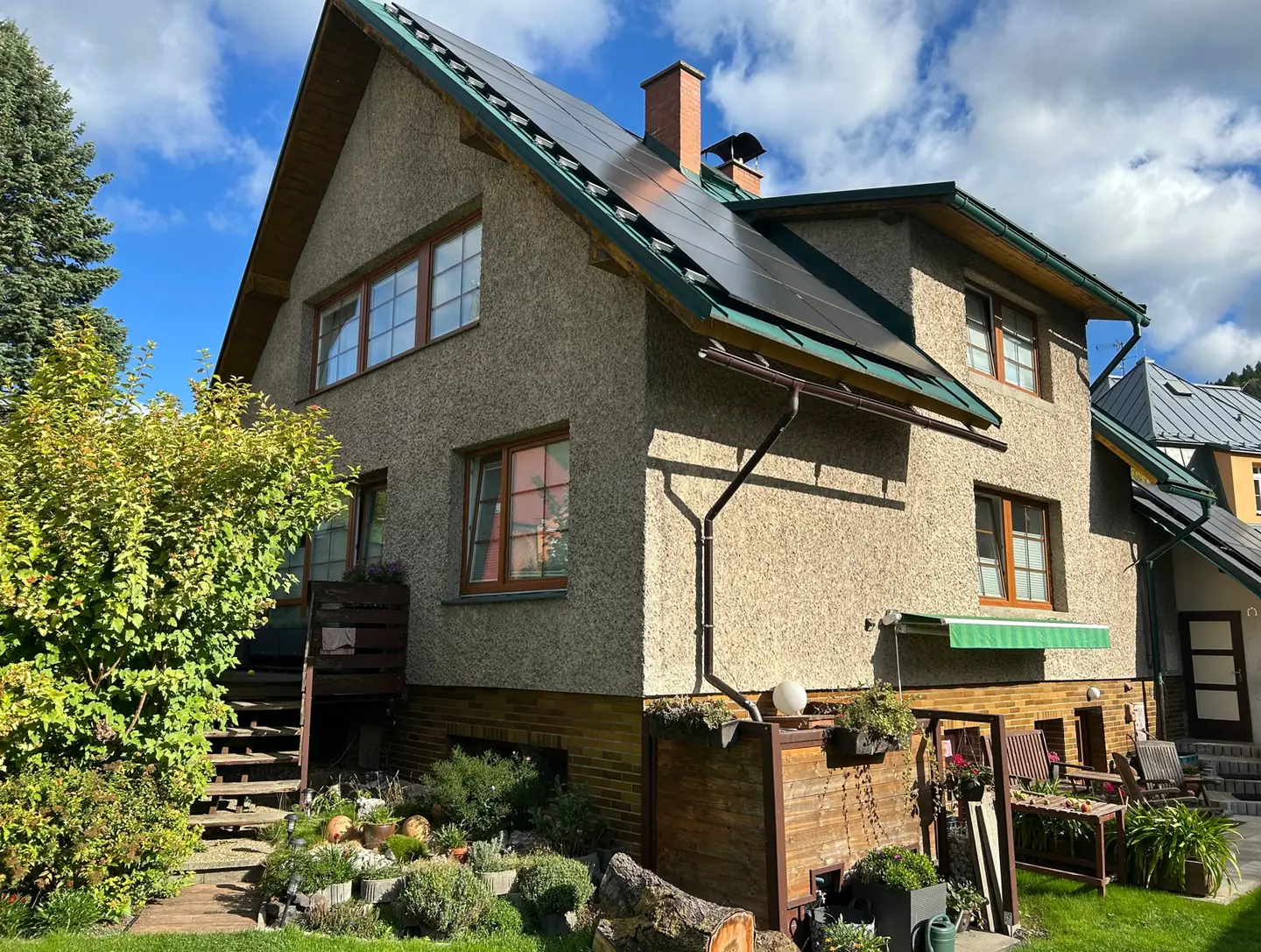
Before
After
What goes into a design
Facades you like and can actually build
The app works your house through dozens of directions, from quiet classic to confident modern. Each one starts from your home’s geometry in the photo and from materials sold in your country.
Dozens of directions to choose from
Warm and traditional, clean and contemporary, dark and dramatic, light and airy. Each direction is shaped around your house, and you can look at them side by side.
It reads your house
From the photo, the app reads your facade’s proportions, lines, rooflines and surroundings, so the design sits on your home’s actual geometry.
Materials sold near you
Brick, render, natural stone, timber, fiber cement cladding. Behind each surface is a manufacturer product sold in your country, with the name and product code your dealer needs.
A design built in several steps
First the app analyzes your house from the photos, then composes the concept and works in the details. A concept takes 1–2 minutes; an album with the estimate and blueprints takes 10–15.
No per-house math.
The plan unlocks your whole account. It is not a balance you spend down building by building.
- Every building in your account, with no activation step and no monthly limit
- Unlimited buildings and an unlimited reference library
- Priority generation
- Renders and albums come out under your logo, not ours
The album is what the crew builds from.
Not a mood board. One PDF you can hand to the crew or leave with the client.
- Material specifications for the design the client chose
- Installation notes and a preparation guide
- Safety recommendations and the regulatory references that apply
Thirty albums and thirty estimates per billing period. An estimate is its own step, run on the design you settled on. It is not a number attached to every picture.
Manufacturer catalog
Choose a product by brand, line and product code
The catalog holds siding lines and exterior paint fandecks from the brands used to build in your country. Choose a brand, a line or one specific shade, see it on your own facade, and carry the exact product into your specification, album and estimate.
Siding
- Mastic · Carvedwood 44®Modern Iron 814
- Westlake Royal Building ProductsCanyon 6946
- James Hardie · Dream Collection®Eucalyptus Green WPWI
- Allura · Traditional LapDowning Slate
Exterior paint
- Benjamin MooreAbyss 2128-20
- BehrSweet Georgia Brown 280F-6
- Sherwin-WilliamsRosemary SW 6187
- Farrow & BallDe Nimes No. 299
- 100,000+
Colors and products
- 990+
Product lines
Specify as far as you know
Certain of the brand but not the shade? Select the brand alone. Already decided on Mastic Carvedwood 44®, Modern Iron? Specify it exactly. Any level in between works, and siding and paint can run together.
Shades from manufacturer fandecks
Shades come from the manufacturers’ own fandecks and stay true, so what you approve on screen is what arrives on site.
Documentation your supplier can read
Brand, line, color name and code carry through to the PDF album, specification and estimate.
Brand, line and product names are trademarks of their respective owners. GetFacade is an independent tool and is not affiliated with these manufacturers.
Who made it
Behind the app is a studio that has designed facades for 17 years
More than 900 facades taken through to construction: what can be sourced in season, what a crew can install, what it comes to on the estimate. That experience shapes how the app reads your house, so the design holds up in front of a contractor and the estimate stays close to the final price.
See the studio’s workOne plan, every building.
Monthly subscription, cancel anytime. Buy it in the browser or in the app. The same account works everywhere.
Pro Plan
$39.00monthYearly $299.00 · Save 36%
For contractors
Monthly subscription, cancel anytime
- Everything in the Facade Kit, on unlimited buildings
- Albums and renders come out under your own logo
- 1,000 tokens in the API wallet every month, for AI agents
Purchase in the app. Pricing may vary by platform and region.
Questions contractors ask
What counts as a building?
Does my client see your branding?
No. Renders and albums come out without our logo, and you can put your own on them: upload a logo and a company line once in settings, and every export you download is signed with them.
Can I mark a render as an AI visualization?
Yes. Switch the label on and it is printed in the corner of every export. It stays off until you switch it on, and it does not need the Pro Plan: a disclosure your listing may require should not sit behind a subscription.
What happens after thirty albums?
The count resets when your subscription renews. Designs are not counted, only albums and estimates.
Can I cancel?
Yes. It is a monthly subscription, and the plan stays active until the end of the period you paid for.
Where does it run?
iPhone, iPad, Mac, Android and the browser. One account, the same buildings on all of them.